Check a problem before contacting support
Start with the affected area. This helps you rule out simple causes and give support the details needed to investigate.
Sign-in
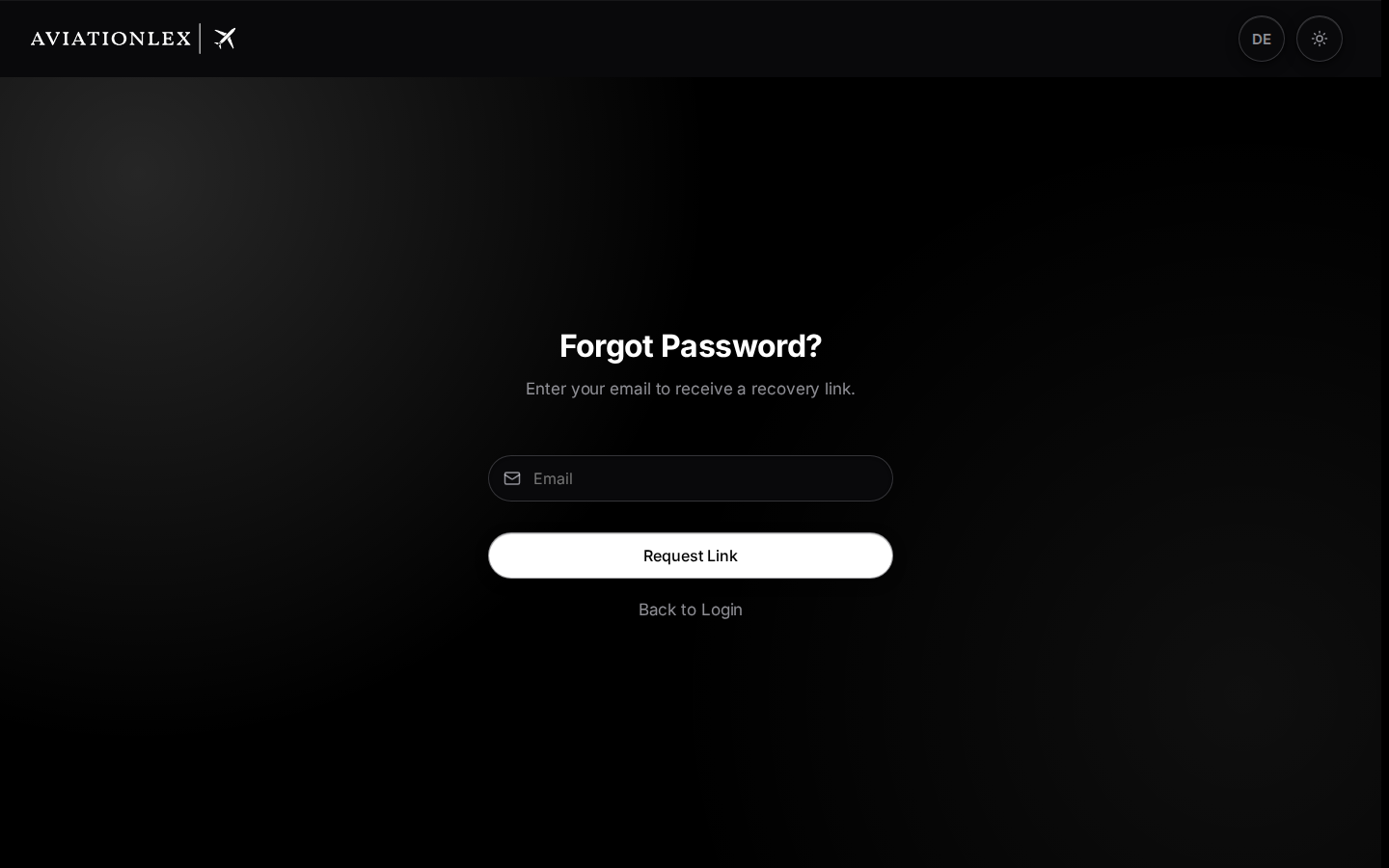
Check the email address and sign-in method. Use the institution sign-in page for an institution account. If you forgot your password, select Forgot password? in password mode. Provide your configured second factor or passkey when prompted. Sign in step by step.
Search and original documents
Check the search term, filters and authority selection. Search starts at two characters. If a PDF fails to load, select Try again. If a particular version is still missing, note its regulation identifier, title and official link. Open originals.
Ask Avlex
Read the message in the answer area. If You’re out of questions appears, Upgrade plan opens the pricing plans in My Account. The AI notice below the question field does not show a remaining allowance. A refusal can mean the question cannot be answered from the sources found. Try a more specific question naming the regulation. Check refusals and allowance messages.
Training modules and exams
Check your package and pricing plan access. In an organisation, ask your training administration to check course and module assignments. Submitting an exam must produce a result. Automatic submission at timeout is currently unreliable. Submit an exam and check the result.
Billing
The customer portal opens in the same browser tab. Read the message if the change fails. Check your pricing plan and payment status before trying again. An additional payment does not resolve an unclear confirmation. Change a pricing plan or check organisation billing.
If the problem continues
Reload a stuck view once. Then send the page, steps, time and exact message to support. A screenshot can help; remove private information that is unnecessary for the investigation.
Support by email: helpdesk@aviationlex.com.