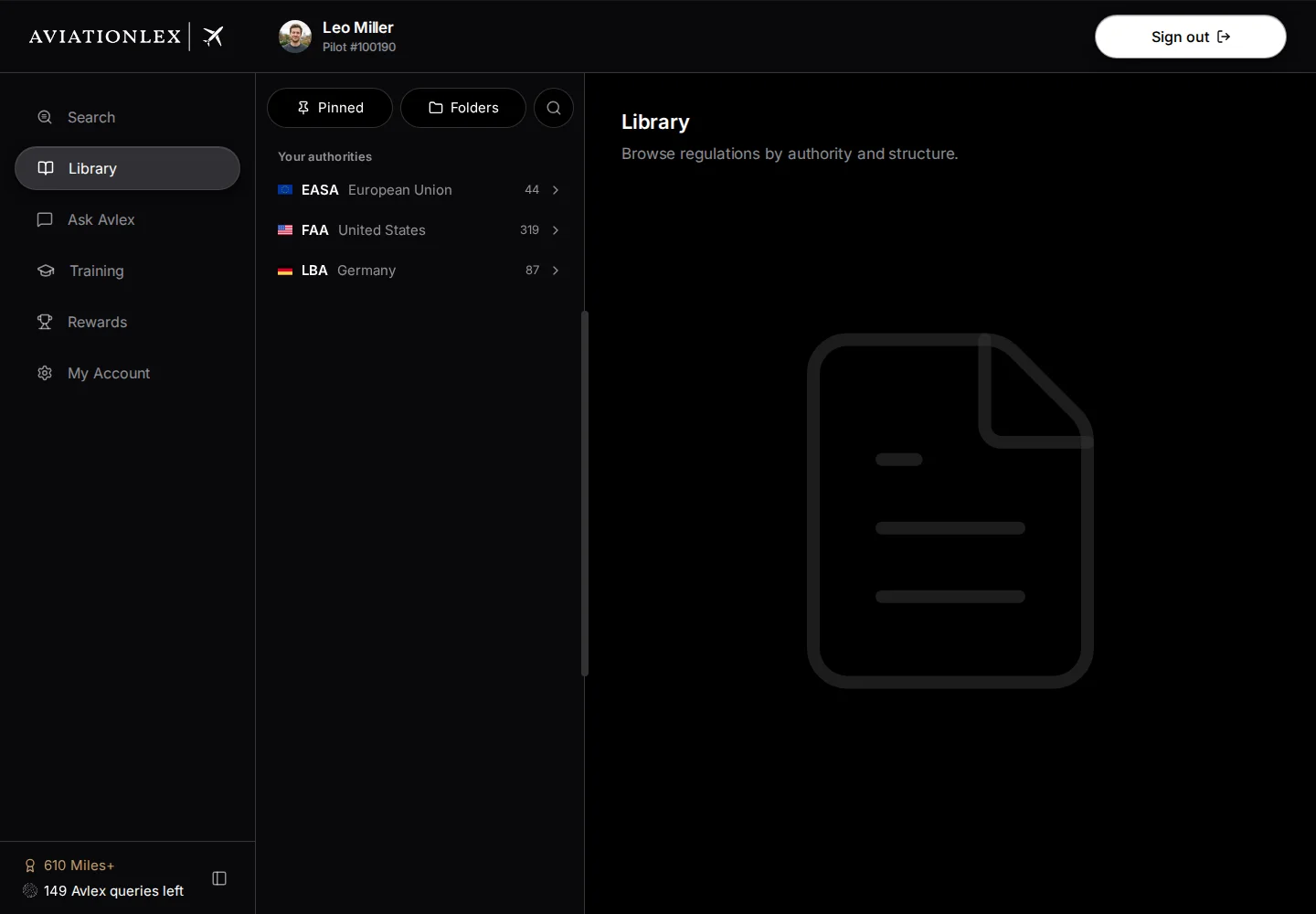
Find the area you need
The sidebar on the left opens the main areas of Aviationlex. Individual uses app.aviationlex.com; Enterprise uses enterprise.aviationlex.com.
Navigate Individual
The entries in the left sidebar take you to your personal tools.
- Search finds regulations by term or identifier. Search guide.
- Library opens regulations and their sections. Library guide.
- Ask Avlex answers questions with sources you can check. Question guide.
- Training opens your training modules. Module guide.
- Rewards shows your Miles+ balance and personal rewards when available. Miles+ guide.
- My Account opens your details, sign-in security and pricing plan. Account guide.
Navigate Enterprise
Enterprise has pages for your organisation and course assignments.
Select My Courses for the course tree and Training Modules to learn. Other entries are Overview, Students, Analytics, Compliance and Billing. Search, Library, Ask Avlex and My Account are also available in Enterprise. Some areas may be hidden. A visible menu entry does not grant management access; the page checks your permissions when you open it. Each page has its own Enterprise guide. An organisation role controls management access; an Individual package does not grant that role.
Expand the sidebar and open saved documents
The panel icon at the bottom of the sidebar expands or collapses it. An icon remains visible when its label is hidden.
Use Folders and Pinned below the main entries to open your saved documents. A folder opens its contents beside the sidebar; a saved document opens in Library. Manage folders and pins.
Open navigation on your phone
The menu button at the top opens the sidebar on a narrow screen.
Select Open navigation, then select the area you need. The sidebar closes when you change pages.