Find a regulation with Search
Search helps you find a term or regulation number in the available collection. Open a result in the Library to read the passage in context.
-
Select Search in the left sidebar.
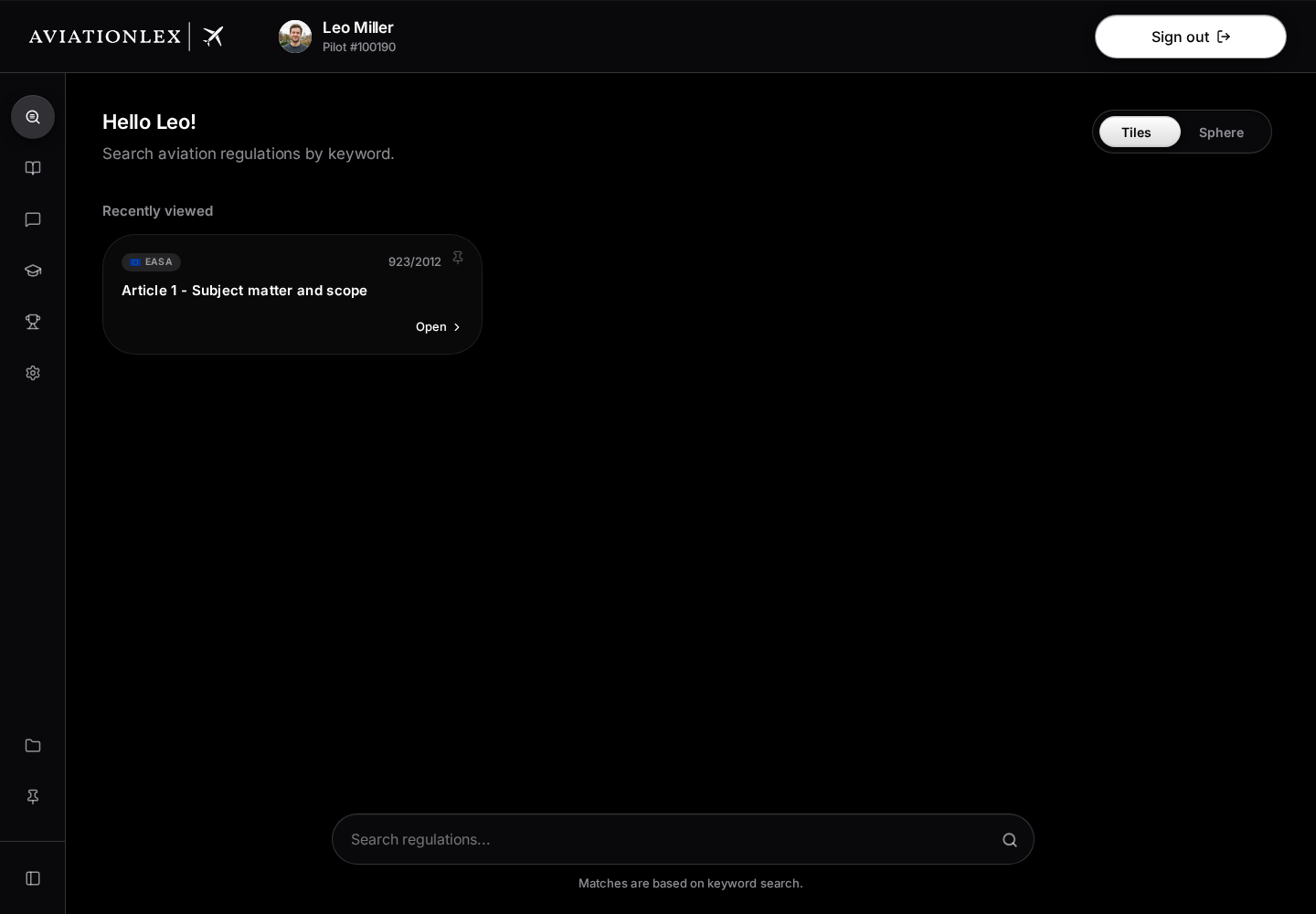
Search overview with a recently viewed document and the search field. -
Enter at least two characters, such as a regulation number or a specific technical term.
-
Check the title, source label and matching passage.
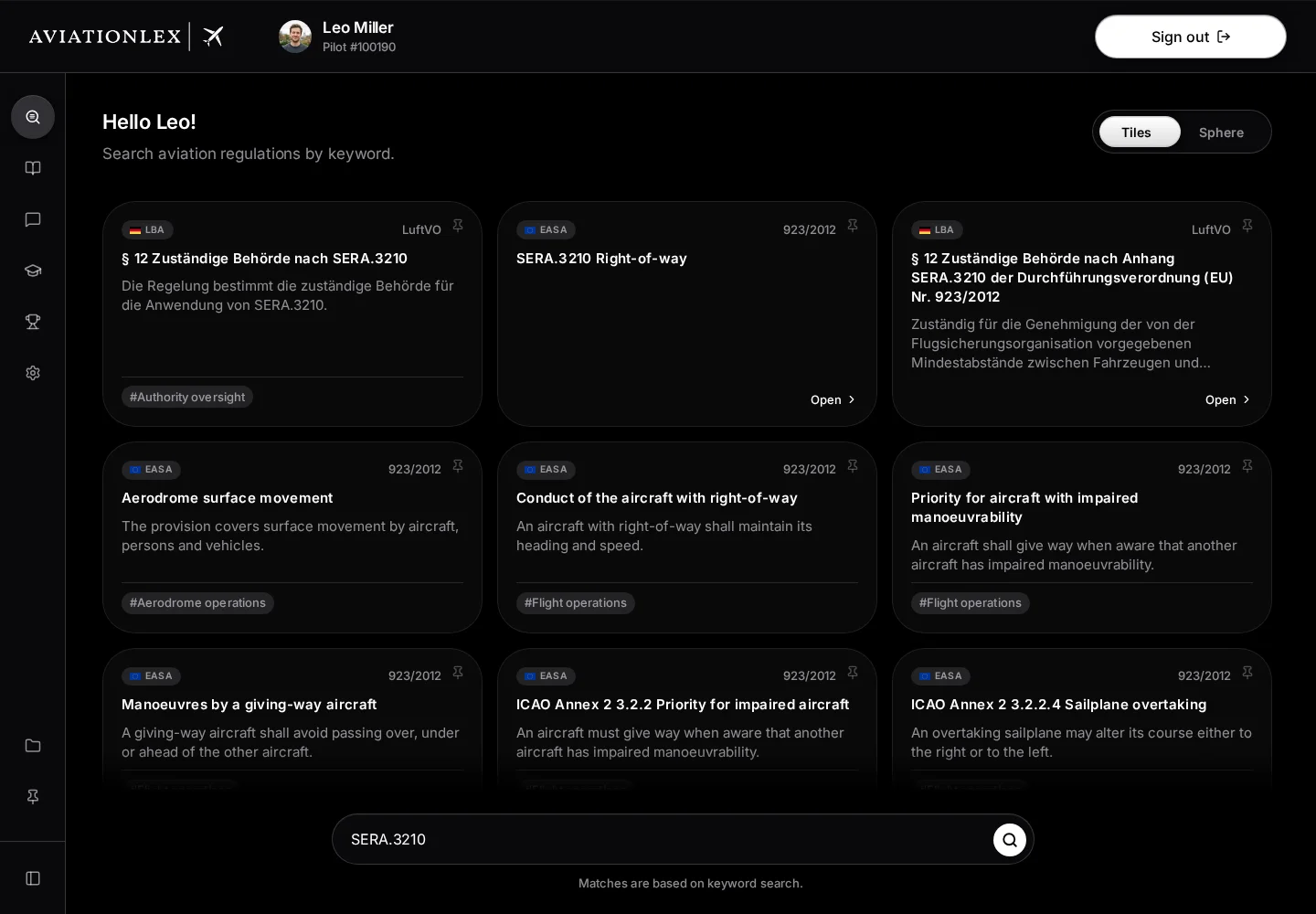
Search results for SERA.3210 with authorities, regulation identifiers and provisions. -
Open the relevant result. The Library takes you to the document or section.
Use the search controls
The search field is at the bottom, and the Tiles and Sphere buttons are at the top right.
Enter at least two characters in Search regulations…. Results update after you pause typing. Enter and the magnifying glass on the right also start the search. Scroll down in the result area to load more available matches. Before a search, Recently viewed can show up to three documents you have opened.
The pin at the top right of each tile saves the document without opening it. Pin adds it to the main area of the sidebar. The same button, now labelled Unpin, removes it again. You must be signed in; a message confirms the action or explains a failure.
Explore Sphere
Sphere shows the available regulations as points grouped by authority, even without a search term.
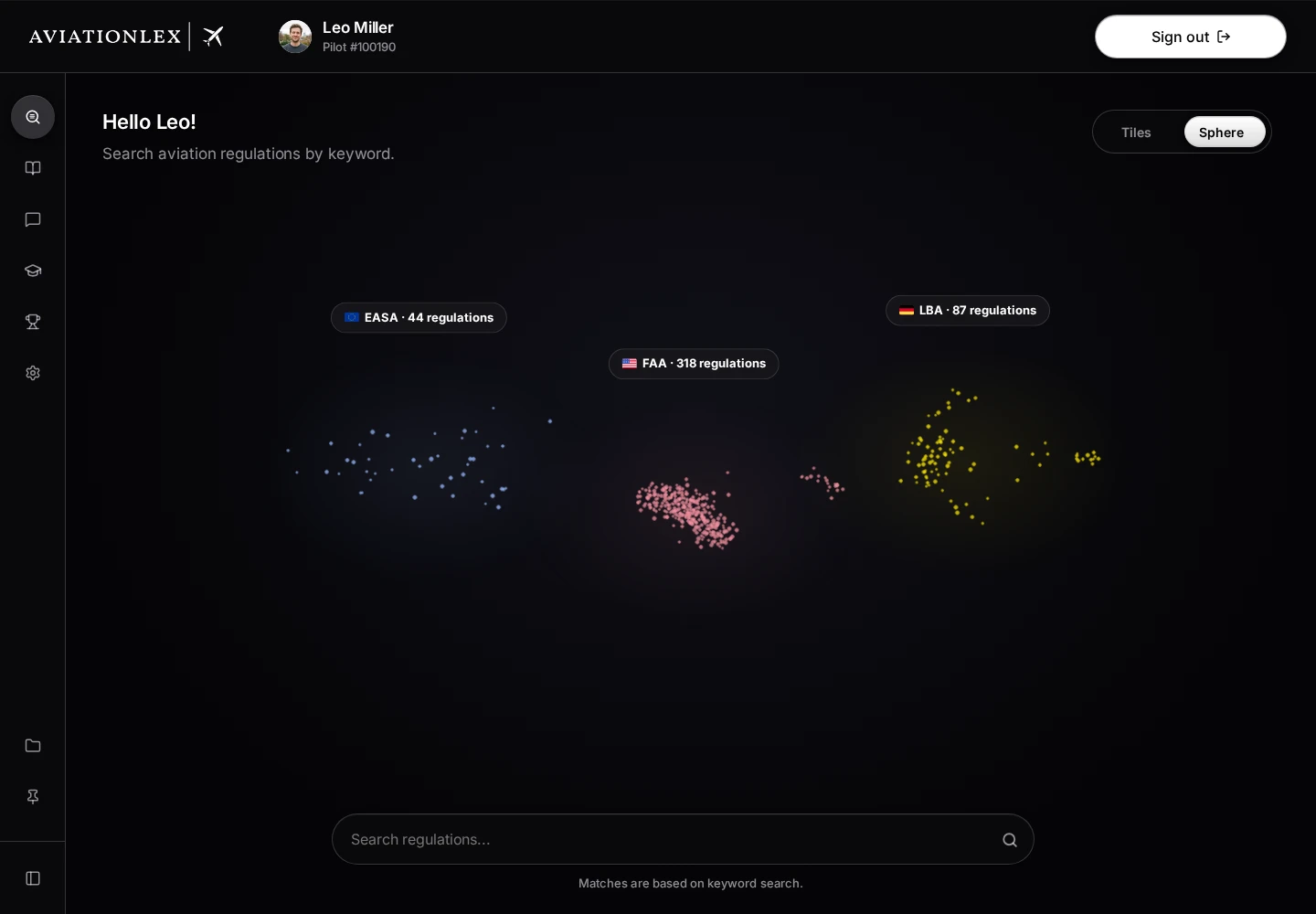
Select a point to see its regulation card. Open opens it in the Library. Show hits appears when the regulation has search hits; it switches to Tiles and limits the results to that regulation. Select the regulation chip with × above the tiles to show all hits again.
Reset view appears above the search field after you change the view or select a point or cloud. It returns to the overview. Escape also returns to the overview. If the browser cannot display the 3D view, a notice explains this and shows hits as tiles. Connections help you navigate; they do not establish the legal significance of a relationship.
If a result is missing
Shorten your search term or try the official wording. Also check your authority selection. An empty result means the search did not return a match. For a known document, check its official source link and report a missing document through support.