Choose authorities for your research
Authority selection limits the available sources to the areas you need, helping you keep your research focused.
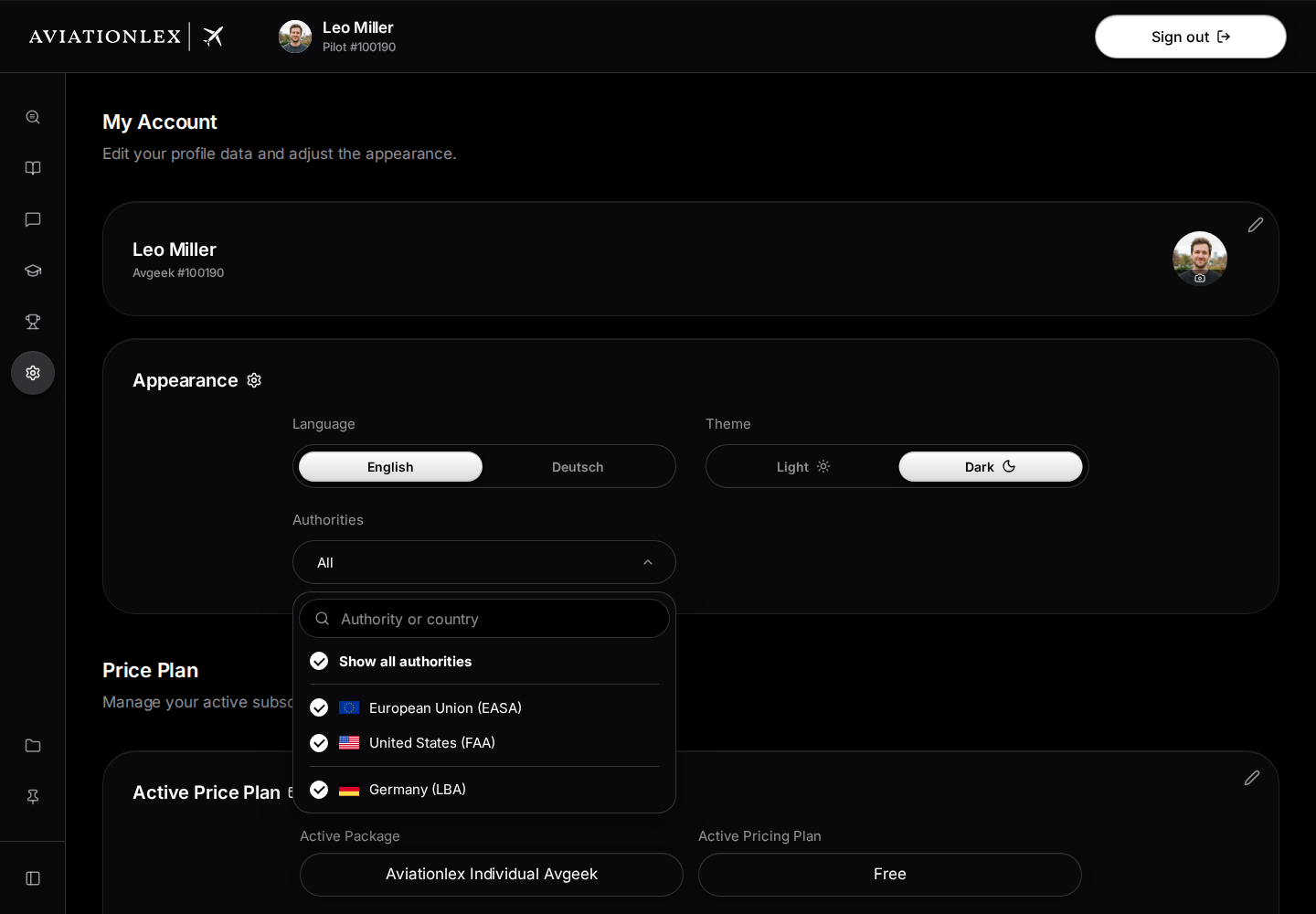
- Open My Account.
- Open the selector under Authorities. It shows All when no restriction is set.
- If needed, search in Authority or country.
- Click an authority to select or deselect it. Show all authorities toggles all checkboxes together. If all are selected, one click clears them all. If some are unselected, one click selects them all. Click again after clearing to restore all authorities.
- Keep at least one authority selected. Close the selector with its button or by clicking outside it. The app applies your selection when you close it.
- Return to Search or the Library.
Check the passage
Open the original document and check its title, version and issuing authority. The source label helps you identify it. Listing an authority alone does not establish that its entire collection is available.
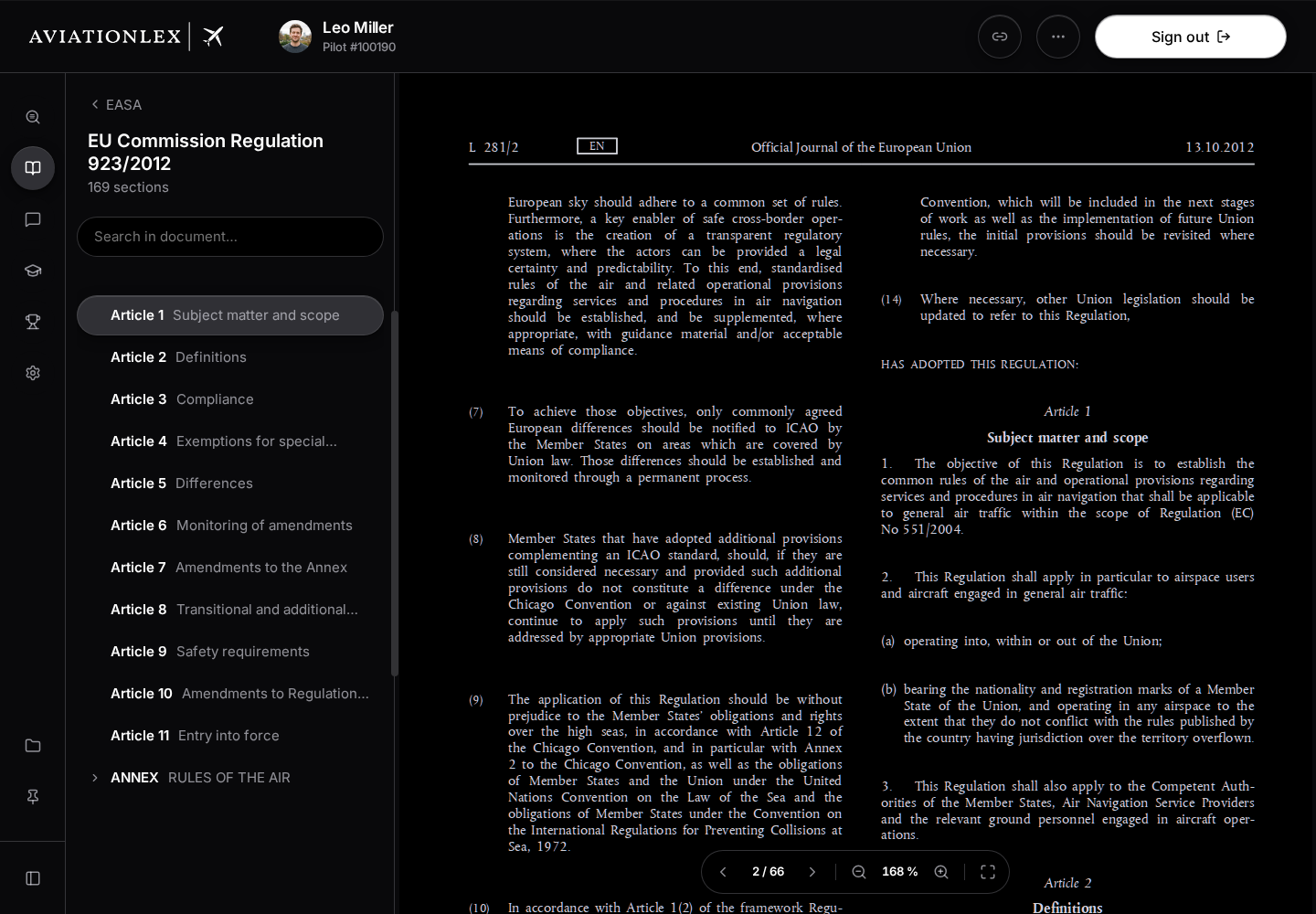
Categories and documents may be organised differently for each source. If a known version is missing, send support the document title and official source link.
Last updated on